
What Is 300 DPI and Why Does It Matter for Printing?
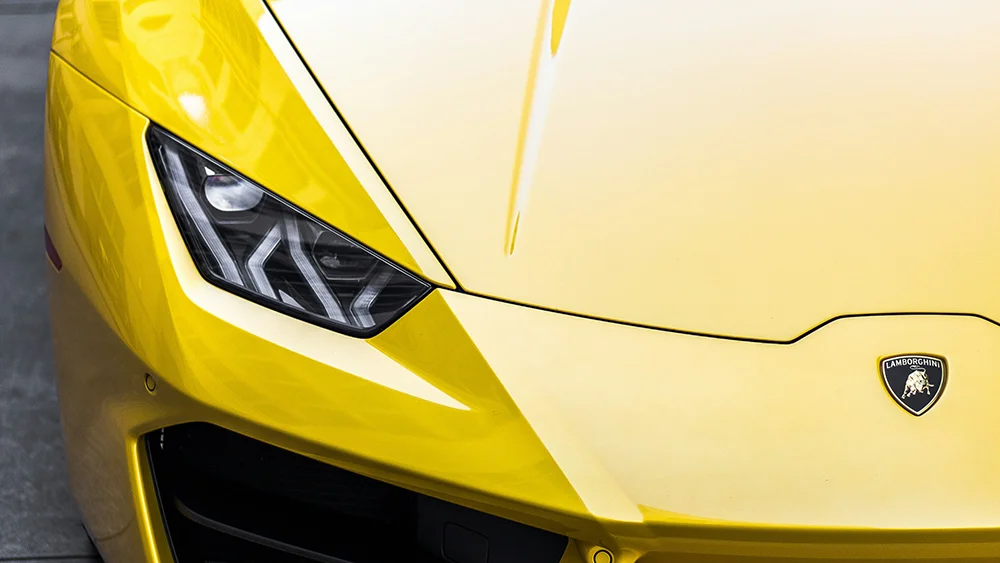
If you've ever sent an image or logo to a printer, you may have been asked for a 300 DPI or high-resolution version. But what does that actually mean?
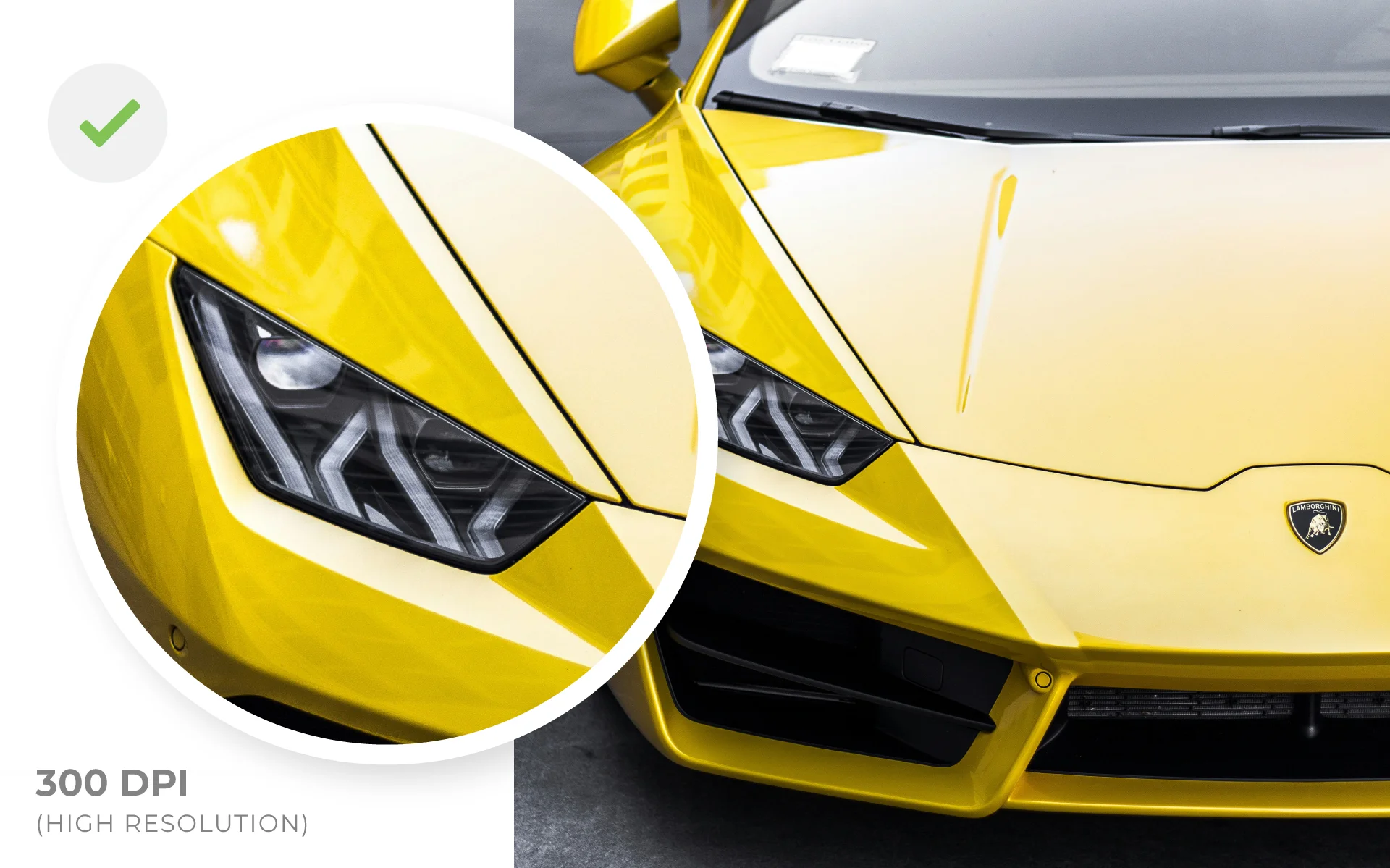
In simple terms, 300 DPI is a way of describing whether an image contains enough detail to reproduce clearly in print.
If a printer asks for a 300 DPI or higher-resolution image, they're usually looking for a better-quality version of the original file, particularly if the version supplied is too small or starts to lose quality when enlarged.
Why does my image look fine on screen?
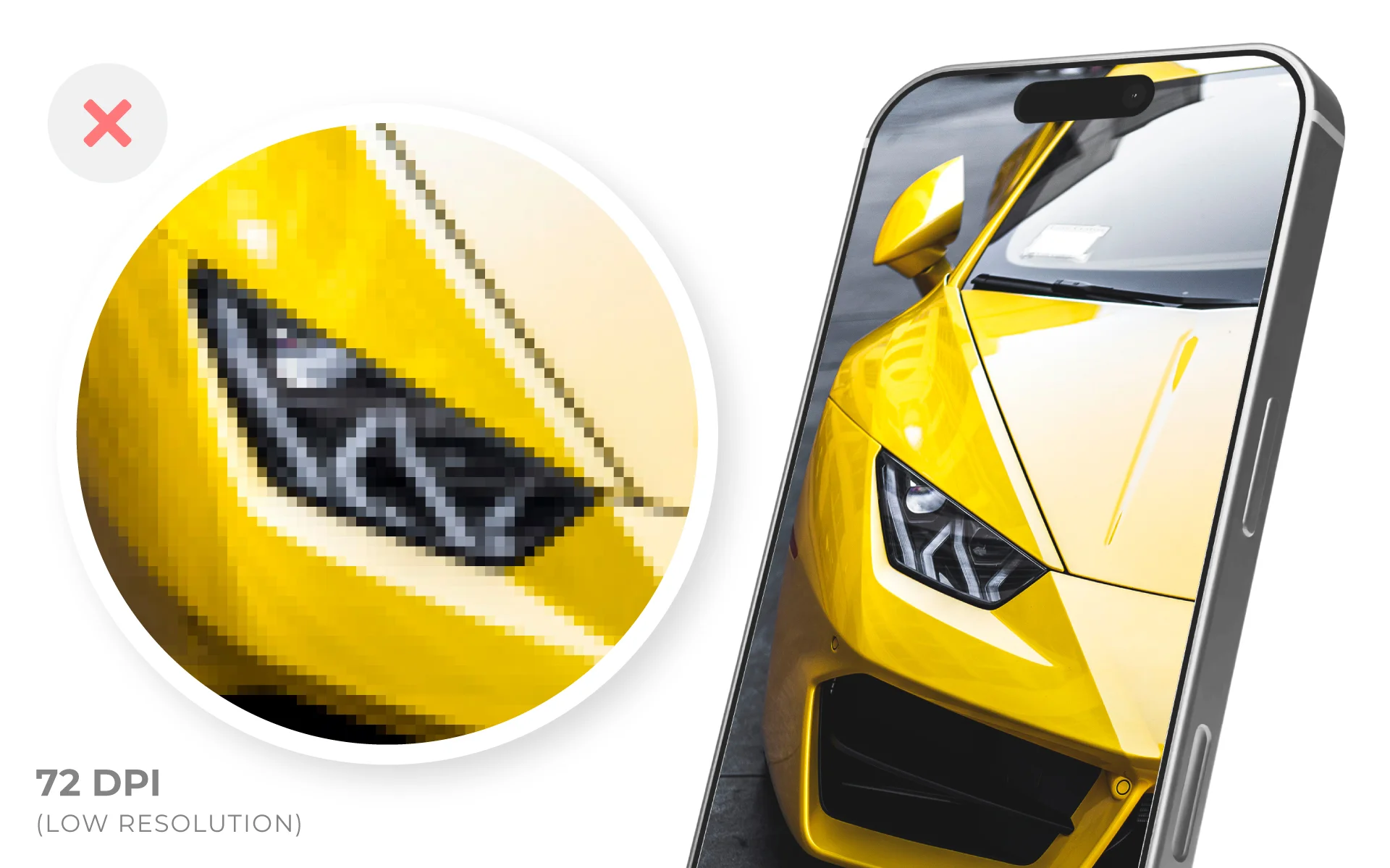
An image can look perfectly clear on a phone or computer but still not be suitable for printing.
This often becomes noticeable when the image needs to be enlarged. A small logo might look sharp in an email or on a website, but when it's made much bigger for a t-shirt, sign or other printed product, it can start to look blurry or pixelated.
That's why a printer may ask whether you have a higher-quality or original version.
What is the best file to send to a printer?
Where possible, send the original or highest-quality version of your design. It's common for logos and images to get passed around over the years. You might only have a PNG from an old email, a screenshot, an image downloaded from your website or a copy somebody sent you through WhatsApp. Messaging apps such as WhatsApp can compress images when they're shared, so the version saved on your phone may not be the same quality as the original. If somebody else created or originally sent you the design, it's worth asking whether they still have the original file. For logos and graphics, you might also have files such as:
- AI
- EPS
- SVG
- A larger PNG or JPEG
For logos in particular, vector files such as AI, EPS and SVG are often ideal for print because they can be enlarged without losing quality.
Can I make a low-quality image 300 DPI?
Not necessarily. If an image is already small or low quality, simply changing its settings won't suddenly add the missing detail. Rather than trying to convert, enlarge or resave the image yourself, it's usually better to find the best original version available. If you're not sure which of your files is best, a printer or designer should be able to check them for you.
What if I only have a screenshot or small PNG?
Sometimes that's genuinely the only version left. This is particularly common with older company logos or designs where the original files have been lost over time. It doesn't necessarily mean you can't use the design. Depending on what it is, a designer may be able to recreate the design as clean vector artwork rather than trying to improve the low-quality image itself.
Can my logo or design be recreated?
In many cases, yes. Logos and simpler graphics can often be redrawn to create a clean, high-quality version suitable for print. This also gives you a much more useful master version of your design to keep for future projects, whether that's clothing, signage, packaging or other branded materials. At Vektor, our design team can recreate existing logos and graphics, make adjustments to designs and prepare files correctly for production.
Not sure if your file is suitable?
If you've been asked for a higher-resolution or 300 DPI version and you're not sure what you have, send Vektor the best or most original version you can find. We'll check the file against what you're looking to produce and let you know whether it's suitable. If it isn't, we'll advise on the best route forward. That could mean finding a better original, preparing the file differently or recreating the design so it's ready for production.