
Print your AI art on t‑shirts, hoodies and more
Yes, you can print an image you made with ChatGPT, Midjourney, Gemini or any other AI tool. Upload a PNG in our online designer, preview it on your garment and order, with no minimum order. We check every file before printing and get in touch if it needs work. Most orders ship within 5–7 working days.
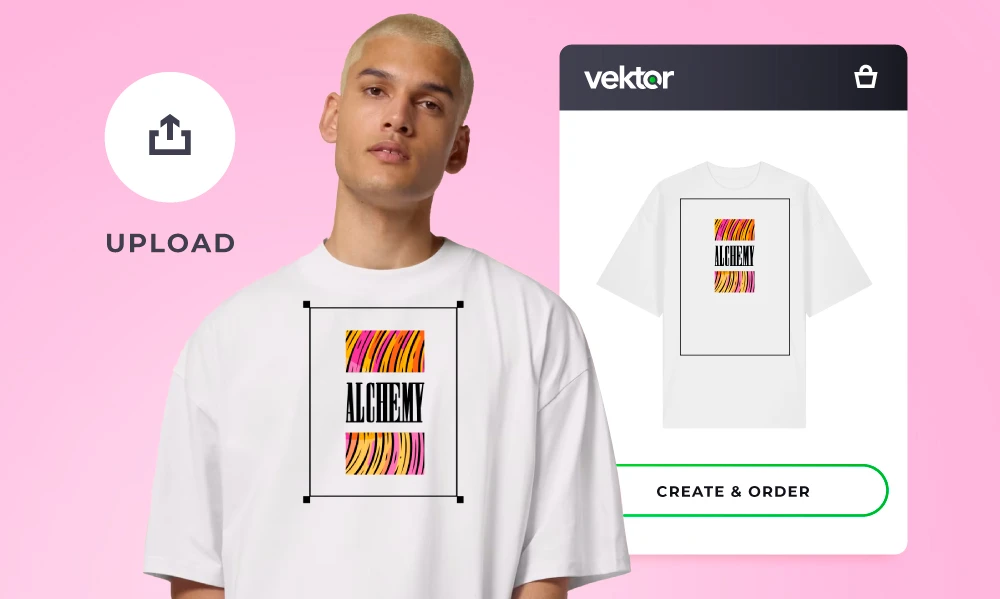
How to get your AI image printed
Three steps, all online. You can order a single item or a whole run.
-
 1. Export the biggest file you can. Download your image from the AI tool at its highest resolution, as a PNG. If the tool has an upscale option, use it, and ask for a transparent background if you'll print on a coloured garment.
-
 2. Upload it in the designer. Choose a t-shirt, hoodie, sweatshirt, tote bag or other garment in Vektor Create, upload your artwork, then size and position it. You'll see a preview before you order.
-
 3. We check it, print it and send it. If your file isn't quite right, we'll contact you or fix it first. We print in-house in Burgess Hill, West Sussex, and most orders ship within 5–7 working days.
Is my AI image big enough to print?
For a sharp print you need about 300 pixels for every inch of print, which is 118 pixels per centimetre. Most AI tools save images between 1024 and 2048 pixels wide, which prints sharply at about 9 to 17 cm. That's fine for a chest logo, but an A4 front print needs an image around 2480 pixels wide.
Quickest way to find out: upload it to our free image size checker. It shows your image on a t-shirt at the size it prints sharply.
How big AI images print
| Typical AI image | Pixels (longest side) | Sharp print (300dpi) | Acceptable print (150dpi) |
|---|---|---|---|
| ChatGPT, Midjourney or Gemini square image | 1024 | 8.7 cm | 17.3 cm |
| ChatGPT portrait or landscape image | 1536 | 13 cm | 26 cm |
| Midjourney upscaled image | 2048 | 17.3 cm | 34.7 cm |
Pixels you need for common print sizes
| Print size | Pixels needed (300dpi) | |
|---|---|---|
| Left chest or pocket logo | 10 cm wide | 1181 px wide |
| A4 front print | 21 × 29.7 cm | 2480 × 3508 px |
| A3 back print | 29.7 × 42 cm | 3508 × 4961 px |
AI image sizes checked October 2026. Tools change their sizes often, and some newer ones offer 2K or 4K downloads, so check what yours gives you.
Image too small? Upscale it
An AI upscaler can enlarge an image two to four times. Upscaling a 1024 pixel image four times gives you 4096 pixels, enough for a sharp A3 print, and doubling it to 2048 pixels is enough for a good A4 print. Midjourney has an upscale button, and many image editors and free online tools have one too. Upscaling makes edges sharper but can't invent real detail, so look closely at faces, hands and small text afterwards.
Don't worry if you're not sure your file is good enough. Upload it anyway: we check every file and will contact you or fix it before printing. For more on resolution, read what 300 DPI means and why it matters and our artwork guidelines.
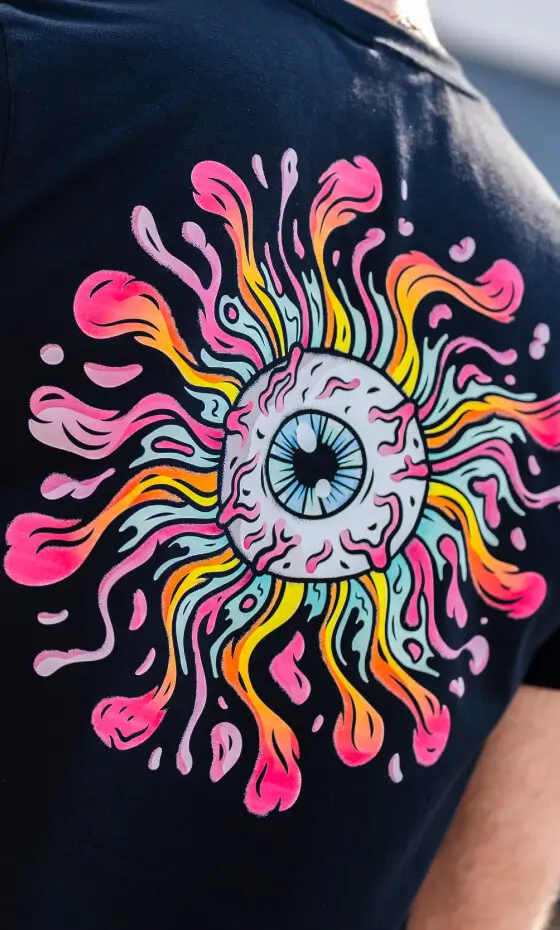
Getting a print-ready file from your AI tool
Each tool is a little different. Whichever you use, download the largest PNG it offers and don't screenshot it.
ChatGPT
ChatGPT images are usually 1024 × 1024 pixels (square) or 1024 × 1536 (portrait or landscape). Use the download button rather than copying the image, and ask for "a transparent background" in your prompt if you want the design without a box around it.
Midjourney
A standard Midjourney image is about 1024 pixels on its longest side. Use Upscale (Subtle) to double it to around 2048 pixels before downloading, which is much better for a front or back print.
Google Gemini
Gemini images are often around 1024 pixels square. If your version offers a higher resolution such as 2K or 4K, choose it. Save the full-size image, not a preview.
Canva, Adobe Firefly and others
Download as PNG at the largest size available, and tick the transparent background option if there is one. In Canva you can increase the download size before saving.
Prompts that print well
- Ask for a plain or transparent background, so the design is easy to cut out.
- Bold shapes, clean edges and strong colours look better on fabric than soft, misty detail.
- Keep any text large: small AI-generated lettering is often misspelt or blurry.
- Leave space around the design so nothing important is cut off at the edge.
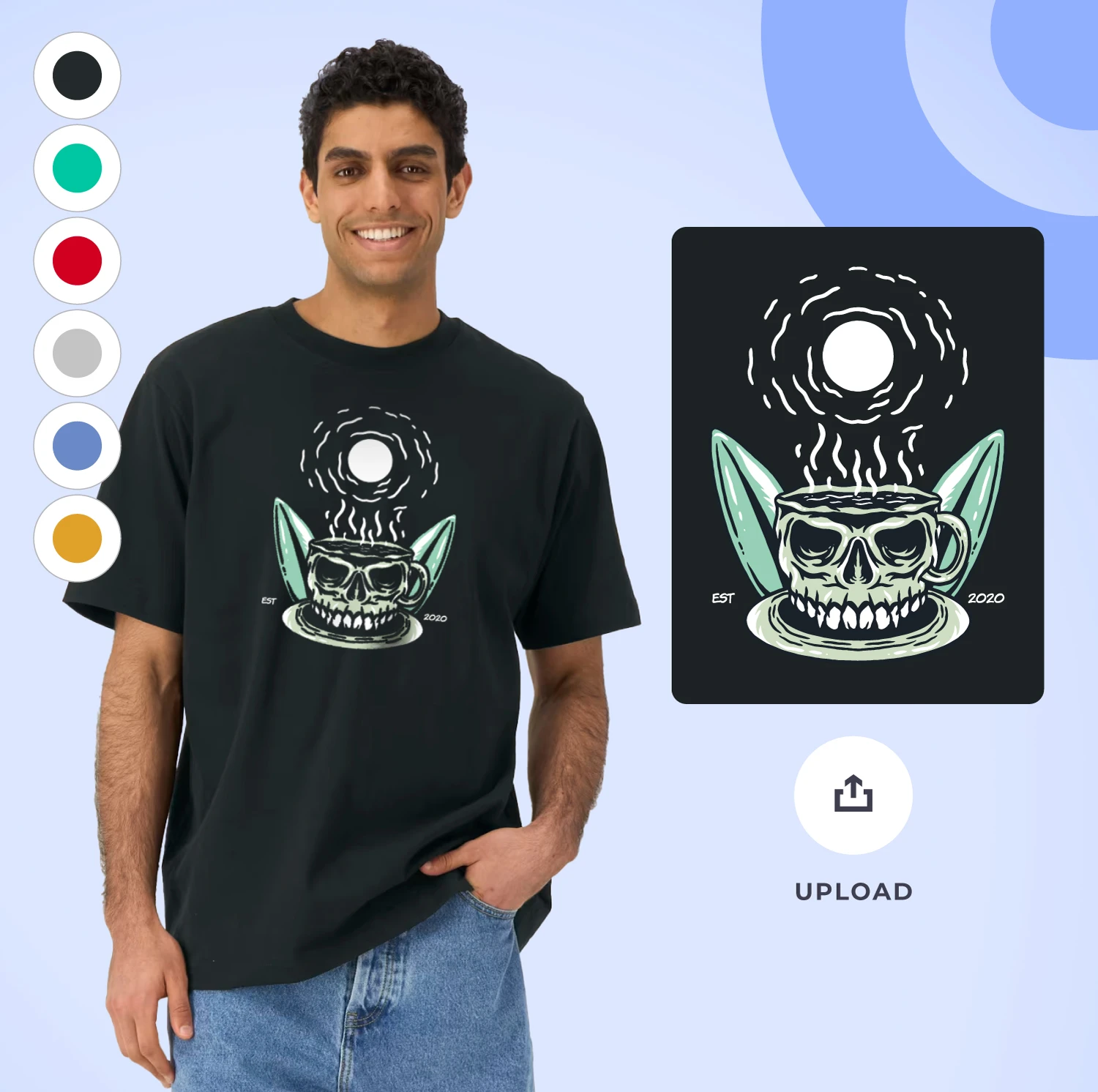
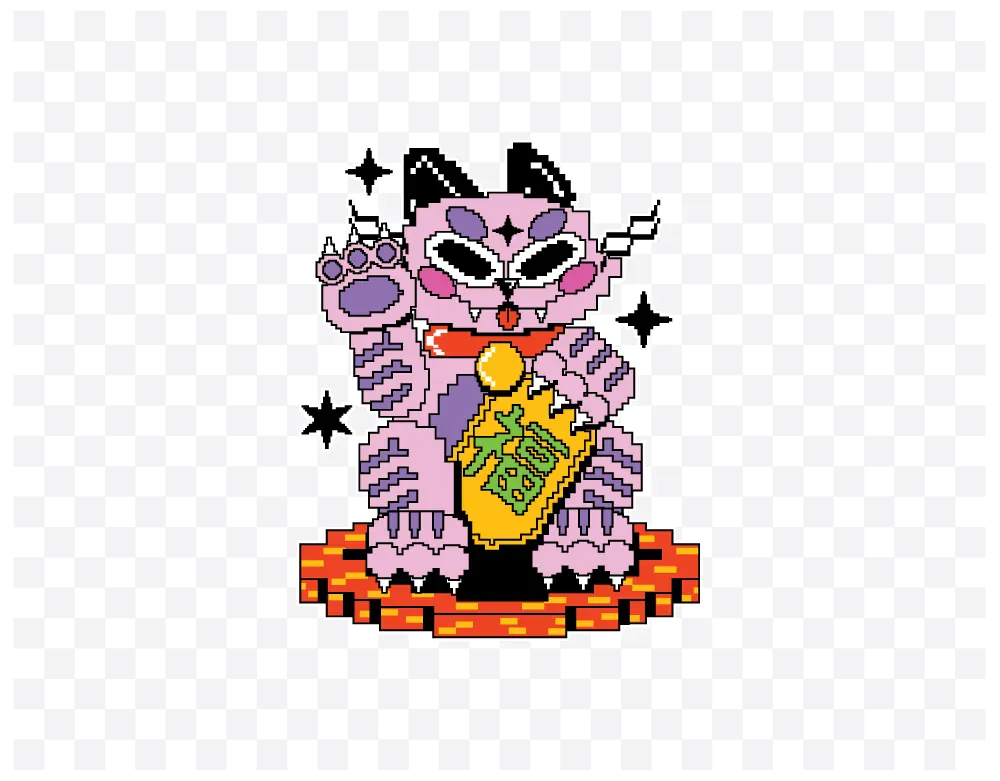
Transparent backgrounds
Most AI tools save images on a solid background, usually white. On a white t-shirt you won't notice, but on a black or coloured garment the background prints as a box around your design.
To avoid it, ask the AI tool for a transparent background, or remove the background with a background remover (Canva, Photoshop and the Photos app on iPhone and Mac can all do it), then save the result as a PNG. JPG files can't be transparent.
The best way to print AI art
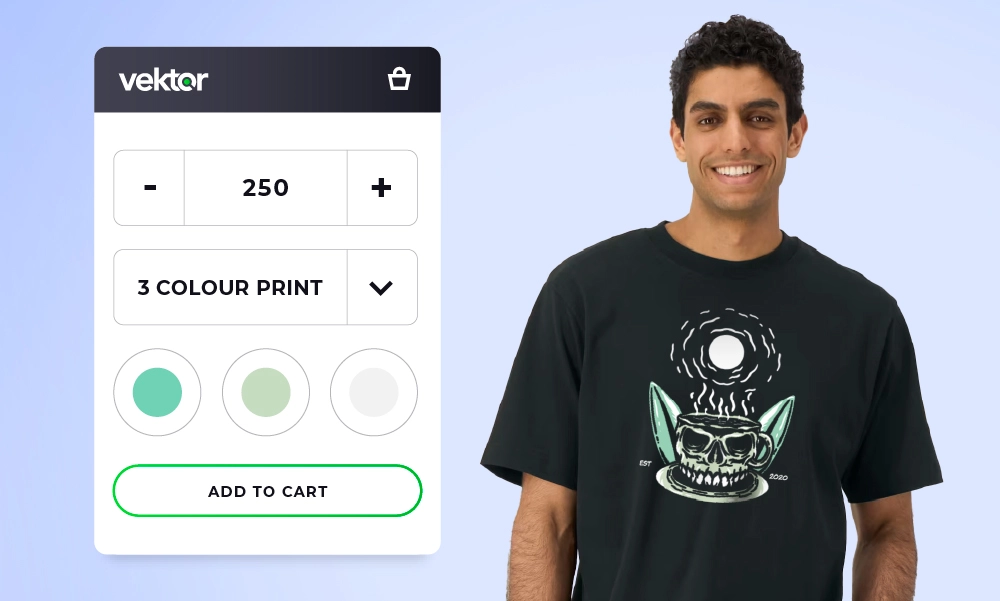
AI images usually have lots of colours, gradients and fine detail, so we print most of them with full colour DTF (direct to film). It prints every colour at no extra cost and suits one-offs as well as bulk orders.
For larger runs of a design with a few flat colours, screen printing can work out cheaper. Simple, bold designs can also be embroidered.
What we can't print
AI tools can easily reproduce well-known characters, brand logos and real people. We can only print artwork you have the right to use, so if your design includes any of these you'll need permission from whoever owns them. If you're not sure, ask us before you order.
AI art printing FAQs
-
Can I print an image I made with ChatGPT, Midjourney or another AI tool?
Yes. Download the largest PNG your AI tool offers, upload it in our online designer, choose your garment and print position, and order. There's no minimum order, so a single t-shirt or hoodie is fine.
-
Is a 1024 × 1024 pixel image big enough to print on a t-shirt?
It's big enough for a small print such as a left-chest logo (about 9 cm wide at 300dpi). For an A4-size front print you need around 2480 × 3508 pixels, so a 1024 pixel image will look soft unless it's upscaled first.
-
What file should I upload?
A high-resolution PNG (ideally 300dpi at the size you want it printed) with a transparent background. We also accept JPG and vector files (AI, EPS, PDF). Avoid screenshots and heavily compressed images, as they can print blurry.
-
Why is there a white box around my design?
Most AI tools save images with a solid background, usually white. If you print that on a coloured garment, the background prints too. Ask your AI tool for a transparent background, or remove it with a background remover, and save the result as a PNG.
-
What if my AI image isn't good enough to print?
We check every file before printing. If your artwork isn't quite right, for example too small or with an unwanted background, we'll get in touch or put it right before anything is printed.
-
Which printing method is best for AI art?
Full colour DTF (direct to film) printing, because AI images usually have lots of colours, gradients and fine detail. DTF prints every colour at no extra cost and works for one-offs. For larger runs of a design with a few flat colours, screen printing can work out cheaper, and simple bold shapes can be embroidered.
-
How long will my order take?
Most orders are processed and shipped within 5–7 working days. If you need it sooner, get in touch: we can often fit urgent orders in.
-
Can I print AI art of famous characters, logos or real people?
Only if you have the right to use them. AI tools can reproduce copyrighted characters, brand logos and recognisable people, and printing those without permission can break copyright or trade mark law. If you're not sure, ask us before you order.
Ready to print your AI art?
No minimum order, full colour prints. Upload your artwork, create your design, and pay online.
Create & order Want to chat? We're here to help!